
Linux File persmissions
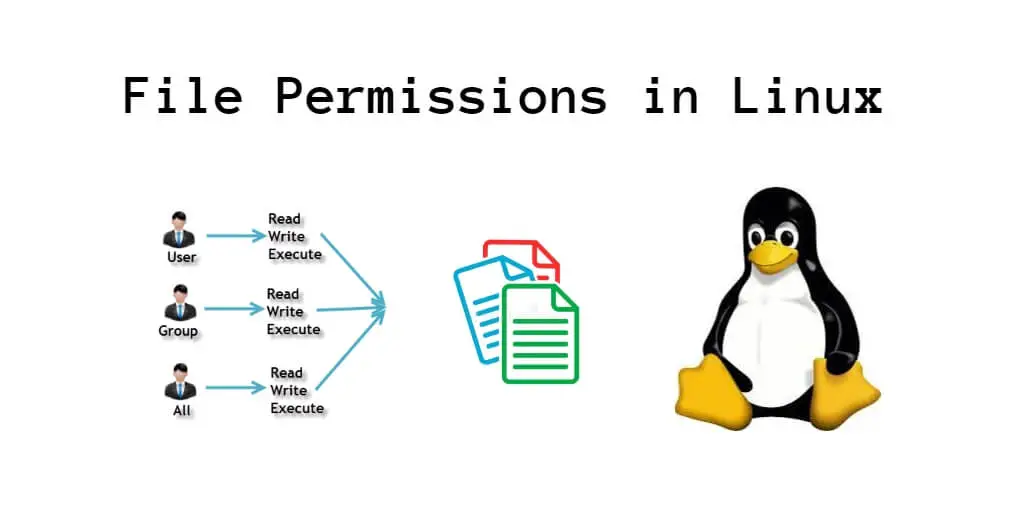
Below is a basic explination of how the file permissions work in a Linux system and how to alter them using chmod.
File Permissions
- output of
ls -lshows file permissions and users with file info - Groups - USER , GROUP , EVERYONE
- Permissions - r = read (4 bit) , w = write(2 bit) , x = execute(1 bit) , all = 8 bit
- adding the values will produce appropriate number for rights given

Remeber all chmod commands require sudo privilages
chmod 700 file1- makes the file read write exec only for userchmod 744 file1- makes the file rwx for user , and read for otherschmod 644 file1- user can rw and others only readchmod 755 file1- user can rwx and others can rxchmod 755 dir- mostly used for directories , rwx[USER] | rx[Group] | rx[Every]